Free Printable Name Badge Templates for Events – Free printable name badge templates make it simple to create professional identification for conferences, classrooms, offices, networking events, and community gatherings across the United States. These templates help attendees, students, or staff connect quickly without awkward introductions. Whether you need adhesive labels that stick to clothing, inserts for badge holders, or simple designs on plain paper, legitimate free options exist from established suppliers. This resource page covers trusted sources, practical printing tips, and common sizes so you can download and use them right away.
What Free Printable Name Badge Templates Include?
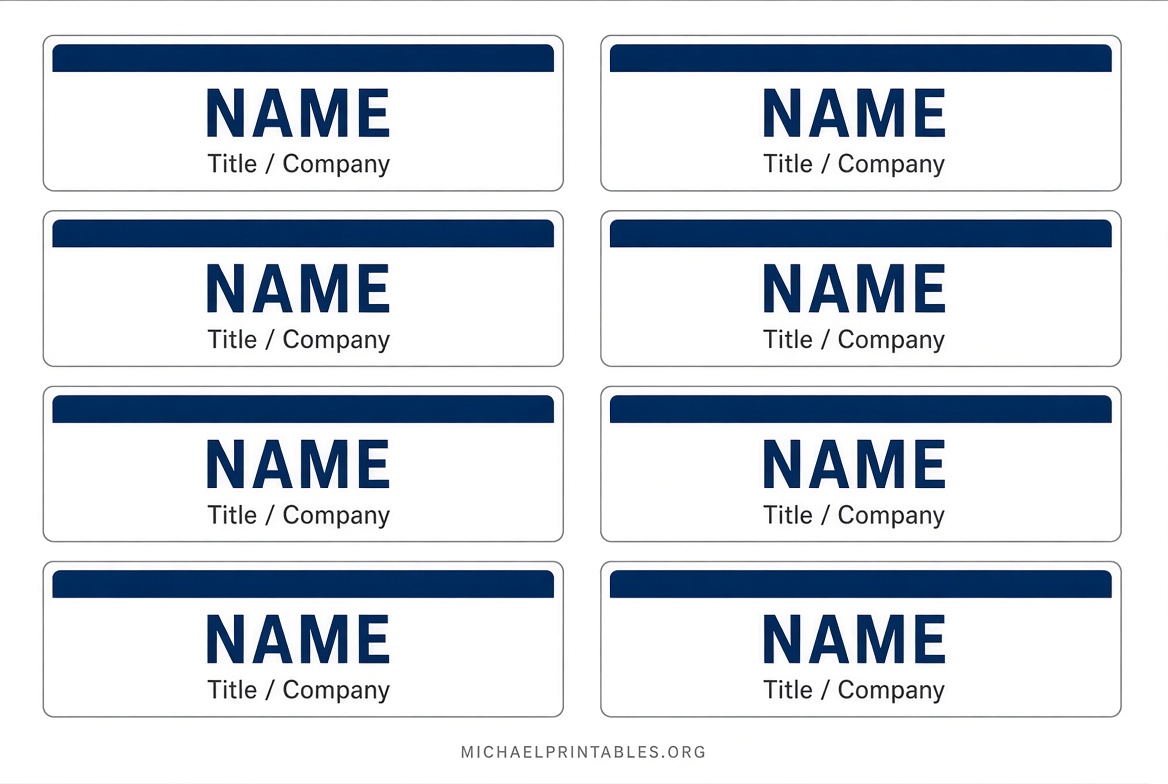
Name badge templates are pre-formatted layouts sized for standard US Letter paper (8.5 × 11 inches). Popular dimensions include the widely used 2-1/3″ × 3-3/8″ adhesive style (often matching Avery 5395-compatible sheets with 8 badges per page) and smaller 1″ × 3″ options for compact staff badges.
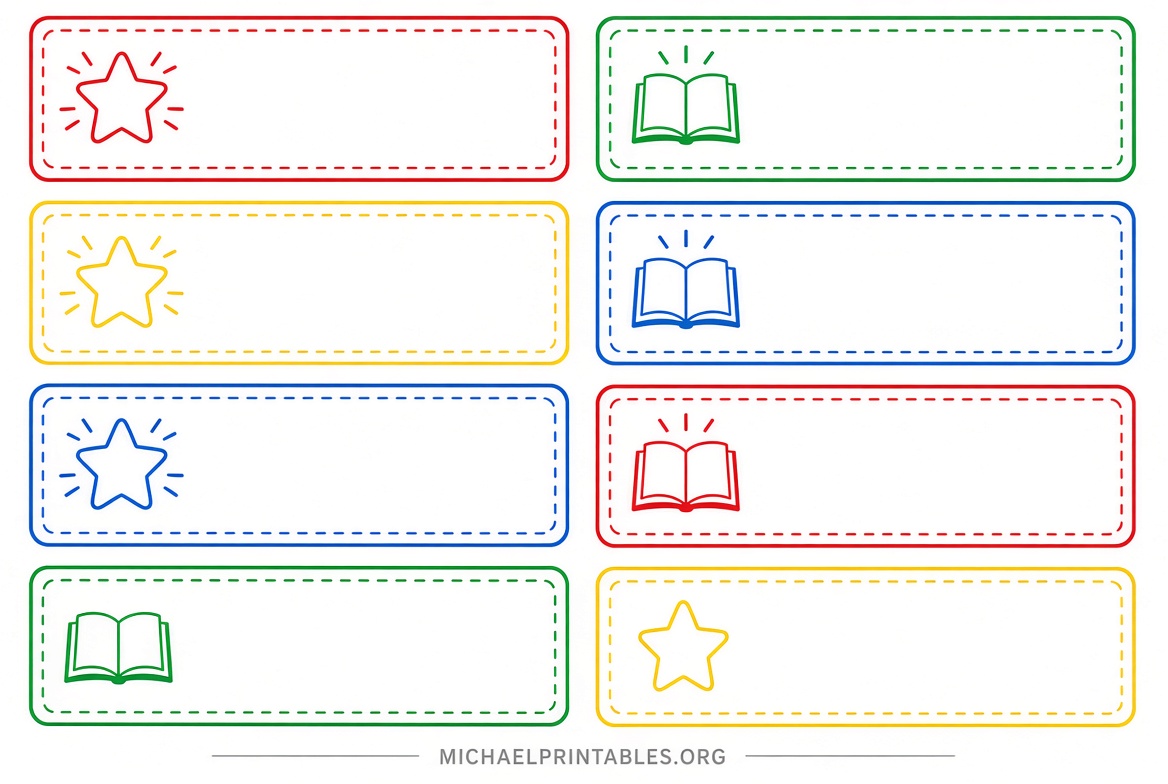
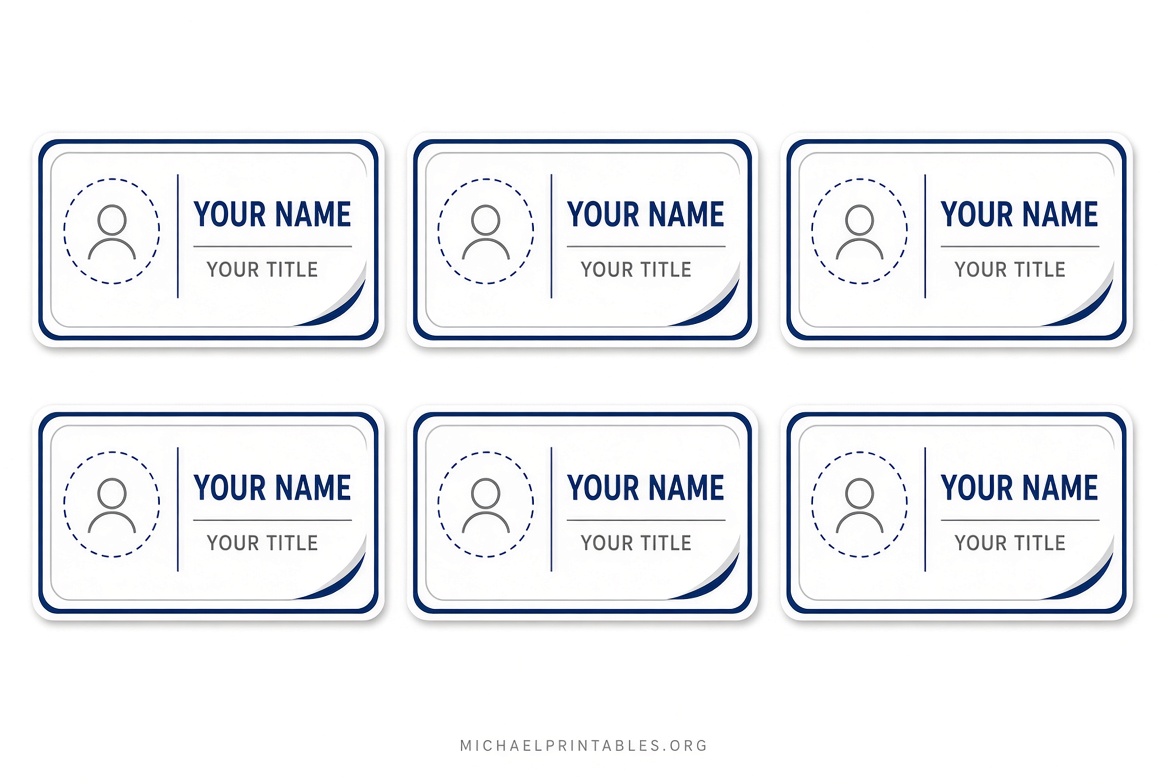
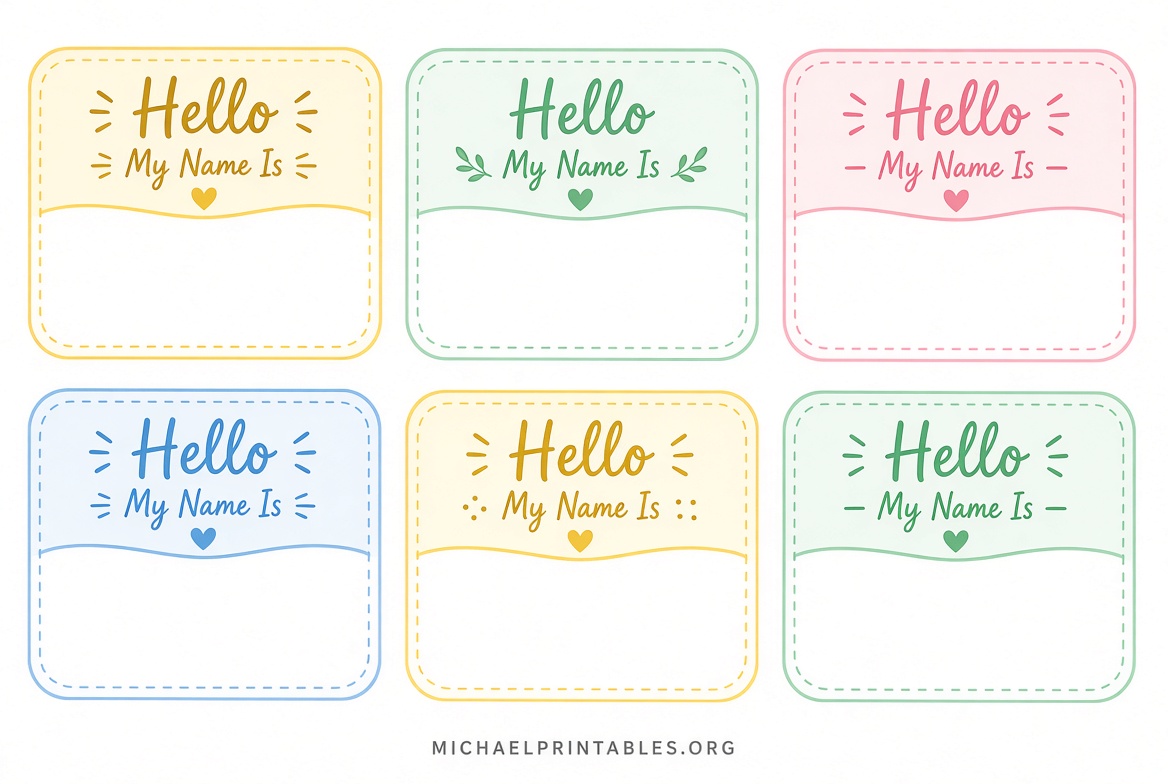
Other formats cover larger inserts such as 3″ × 4″ or 2-1/4″ × 3-1/2″ for holders and clip-on styles. Many templates include spaces for first and last names, job titles, company names, or logos. Designs range from clean professional layouts to fun “Hello My Name Is” styles suitable for classrooms or parties.
These free printable name badge templates work with Microsoft Word, PDF editors, Google Docs, or online design tools. They save time compared with building layouts from scratch and help ensure consistent spacing when printed on label stock or cardstock.
Free Printable Name Badge Templates for Events
Trusted Sources for Free Printable Name Badge Templates
Several established companies and sites offer free downloads without requiring payment for basic use. Prioritize official supplier pages for accuracy and compatibility.
Avery provides one of the most reliable free online name badge makers. You can start with blank or predesigned layouts, add text and logos, import names from a spreadsheet, and print at home on matching Avery stock. An free account lets you save projects for later editing. Visit the Avery Name Badge Maker to design and print immediately.
Avery also hosts a full library of free downloadable name tag and badge templates. These include Word, PDF, and other formats sized for specific products such as adhesive labels and inserts. Browse the Avery Name Tags & Badges Templates page to match your existing badge stock.
PC/NameTag offers a large collection of free design and blank templates. Options include “Hello My Name Is” styles, professional layouts, holiday themes, kids designs, and various insert sizes. No registration is required—simply download the file, customize, and print. Access them at the PC/NameTag free name tag templates page.
FreeNameTags.net supplies more than 100 ready-to-use printable name tags in DOC and PDF formats. Individual designs are free to download and work with Avery 5395-compatible stock or plain paper. Categories cover business, school, kids, holidays, and classic hello styles. Find them at FreeNameTags.net.
These sources focus on free access to the templates themselves. Physical label sheets or badge holders are sold separately when needed.
How to Customize and Print Name Badges?
Start by choosing a template that matches your paper or label size. Download the file and open it in Microsoft Word or a PDF editor. Replace placeholder text with names, titles, and any logos. Keep fonts large (at least 18–24 points for names) so they remain readable from a short distance.
Print a test page on plain paper first to check alignment. Then switch to your label stock or cardstock and print at 100% scale (do not use “fit to page”). Most home inkjet or laser printers handle these layouts well. For bulk lists, use mail-merge features available in Word or Avery’s online tool.
If you only need a few badges, plain paper with a hole punch and lanyard works fine. For professional events, adhesive or insert styles look cleaner and last longer.
Tips for Effective Name Badges
Use high-contrast colors so names stand out. Include only essential information—name and title or company—to avoid clutter. For multi-day events, consider durable inserts that slide into reusable holders. In classrooms, colorful designs or simple first-name layouts help younger students.
Always confirm the template matches your specific label product number before printing large batches. This prevents wasted sheets and ensures clean edges.
FAQ
Are free printable name badge templates completely free?
Yes, the templates and online design tools listed above can be downloaded or used at no cost. Some sites offer optional paid full collections or premium features, but individual free designs require no payment.
What paper size works best?
US Letter (8.5 × 11 inches) is standard for all major free templates. Match the individual badge dimensions to your label stock for best results.
Can I edit these in Microsoft Word?
Most downloadable templates open directly in Word. Avery and FreeNameTags.net specifically provide Word-compatible files that let you type names and adjust formatting.
Which size is most popular for events?
The 2-1/3″ × 3-3/8″ adhesive format (Avery 5395 style) is widely used for temporary event badges because it offers good visibility and easy application.
Do I need special software?
No. Basic free templates work in Word, PDF viewers, or free online makers. No design experience is required for standard name badges.
These free printable name badge templates from established sources give you reliable, ready-to-use options for any gathering. Download from the links above, customize for your needs, and print with confidence for professional results.