Free Printable Lite Brite Patterns | Download – Free printable Lite Brite patterns are paper refill sheets you place on a Lite-Brite screen, then fill with colored pegs. They are useful when the sheets that came in the box are torn, or when you want a new picture without buying another set.
The safest place to start is the brand’s own template library. Basic Fun, the current Lite-Brite maker, posts free printable patterns for current models. Third-party samples and a free design tool cover older sizes the official library may not match.
What a Free Printable Lite Brite Pattern Is?
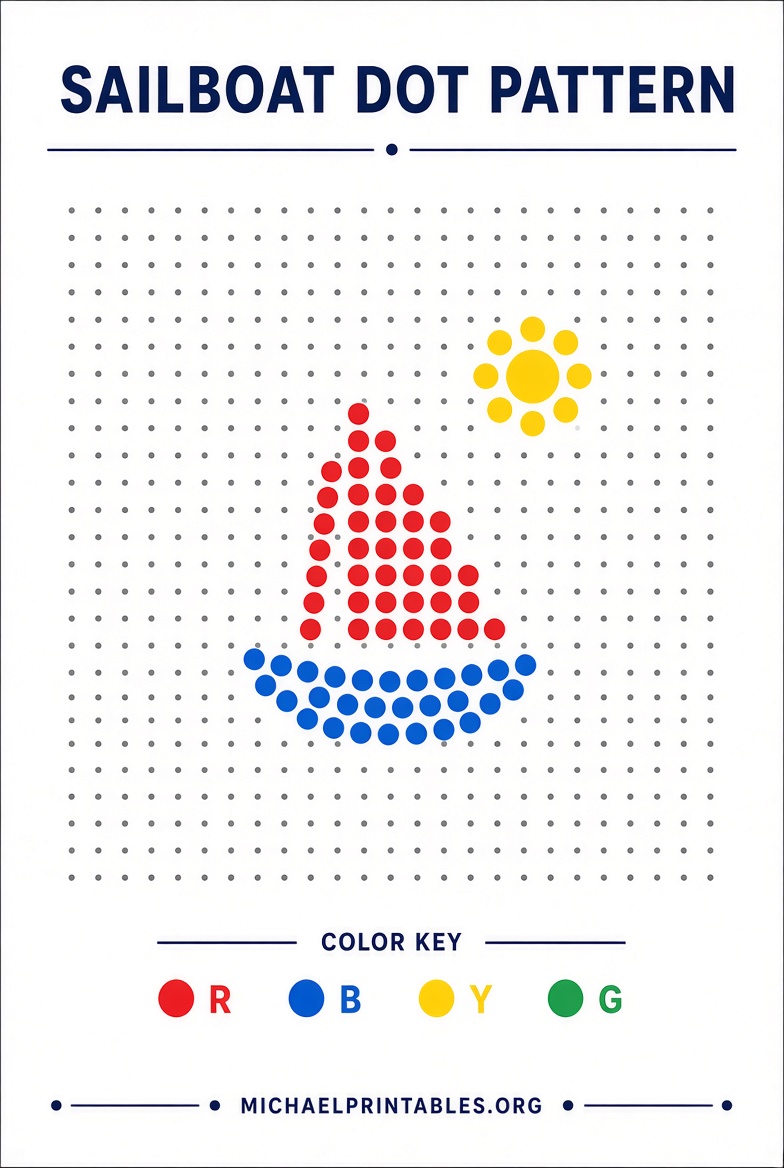
A pattern sheet is a paper guide that sits on the peg screen. Colored dots or letters show which peg goes in each hole. Blank sheets leave the grid open so a child can invent a picture.
Retail sets already include a few picture sheets and blank sheets. Extra free printable Lite Brite patterns are replacements or new designs you print at home on ordinary letter paper. No special black paper or photo printer is required for the sources below. A darker print can make the color marks easier to see, but black-and-white works if the sheet uses letter codes.
Pegs are a choking hazard. Current sets are marked for ages 4 and up.
Free Printable Lite Brite Patterns | Download
Where to Get Legitimate Free Printables?
Use these five sources. Each one is a real download page, free sample, or free tool. Paid theme packs on the same shops are separate and are not described as free here.
The official library is Basic Fun’s Lite-Brite templates page. Downloads are free, and no account is required. Filters cover Color Pop!, Mini, Mini-X Connect, Oval HD, Retro Deluxe, Ultimate Classic, Touch, Touch Mini, Touch XL, Seasonal, and licensed lines such as Disney Stitch, Hello Kitty & Friends, Pokémon, and Stranger Things. Product packaging for newer sets also points buyers to extra templates through a QR code on the box.
For a ready-to-print sample sized to the Ultimate Classic (about 8 by 7 inches), Teachers Pay Teachers lists a free hot-air-balloon sheet from GlowPeg: Lite Brite Template for Ultimate Classic 8×7 Sample Hot Air Balloon. It includes dark-background and white-background versions. A free TPT account is required to download. Print on white paper, then cut to the screen.
GlowPeg also offers free sample refill sheets for the sizes it sells, sent by email rather than as an instant file: GlowPeg free Lite Brite refills. The site says those samples cover the sizes it supports, including Ultimate Classic, Classic (9 by 12 inches), Flat/Cube (about 6.75 inches square), and Travel (about 3.5 inches square). Larger holiday and landscape packs on that site and on Etsy are paid.
If you want to draw your own grid, the free browser tool LiteBriteDesigner is built for the Ultimate Classic, about 8.125 by 6.875 inches. It runs in the browser, exports patterns, and is meant to print on 8.5-by-11-inch paper. It is an independent project, not an official Basic Fun app.
Skip scraped “free PDF” blogs that do not link to a real file. Many of those pages copy product text and never host a pattern.
Match the Sheet to Your Lite-Brite
A sheet only works if the holes line up.
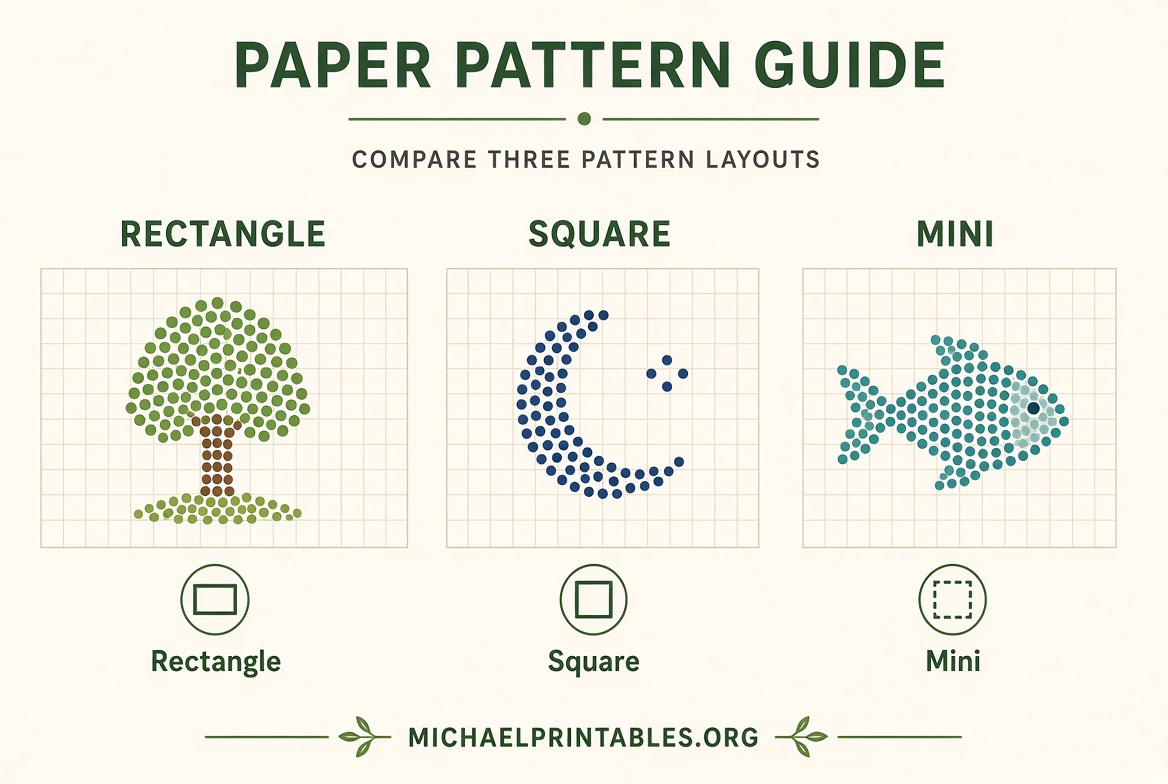
- Ultimate Classic: about 8 by 7 inches. Use the official Ultimate Classic filter, the TPT balloon sample, or LiteBriteDesigner.
- Classic rectangular sets: about 9 by 12 inches. GlowPeg’s email samples are the practical free match.
- Flat, Cube, and similar square screens: about 6.75 inches square.
- Travel: about 3.5 inches square.
- Mini, Touch, Color Pop!, Oval HD, and licensed sets: start with the matching filter on the Basic Fun library.
Print one sheet and hold it on the screen before you print a stack. If the holes miss the peg grid, the file is for a different model, or the printer scaled the page.
How to Print and Use the Patterns?
Basic Fun’s print notes are the right default for its files: open the download, print in landscape, and set scaling to 100 percent, not “fit to page.” A copy shop can print the file if you want to save home ink.
Then:
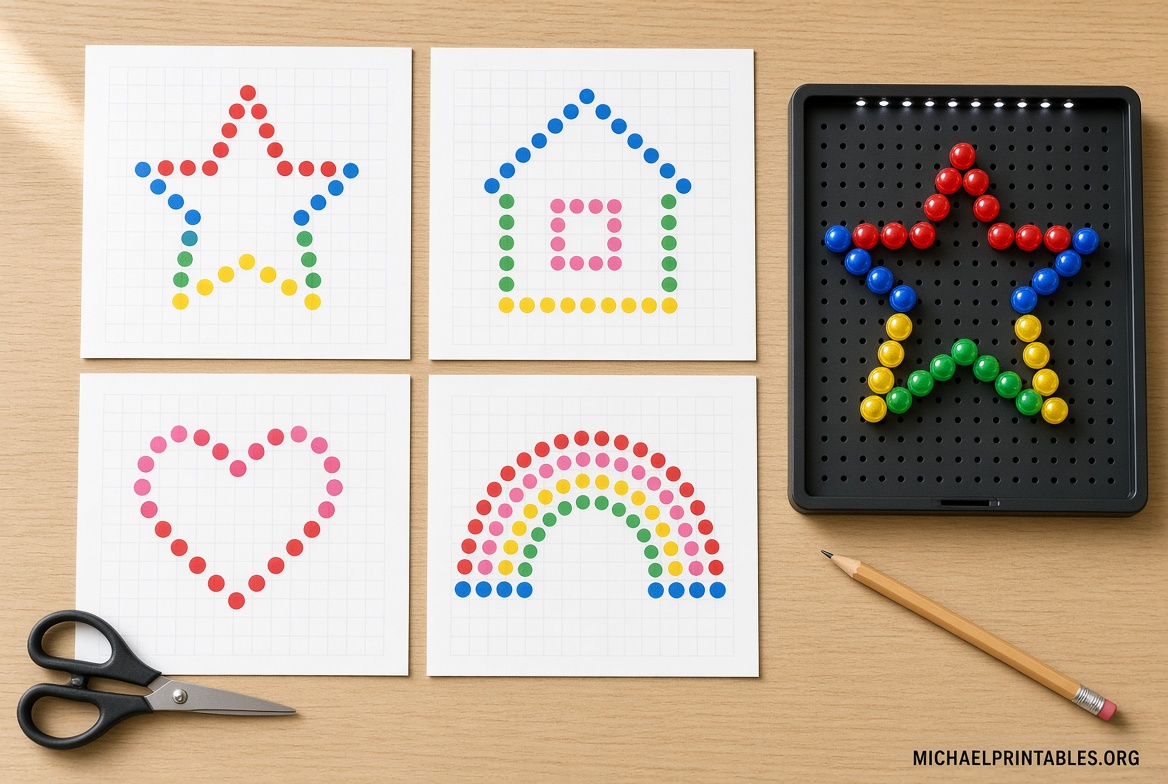
- Cut or tear the sheet so it sits flat inside the frame.
- Line up the corners. Older official instructions say to pin the corner marks with a peg before you fill the picture.
- Follow the color marks or letters. On many classic Hasbro sheets, R is red, B blue, O orange, W white, G green, Y yellow, P pink, and V violet. Newer sets can use a different color list, so trust the key on that sheet.
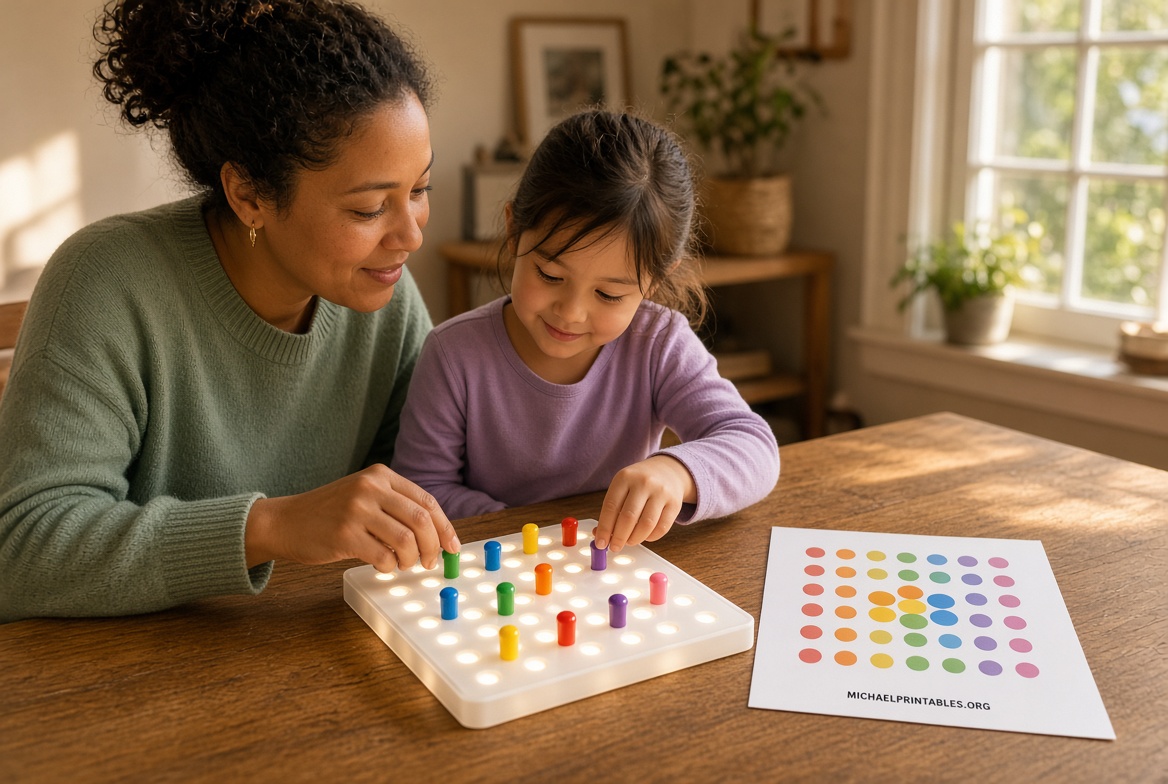
- Press each peg through the paper and fully into the screen, then turn on the light.
Store finished sheets flat. Reprinting is easier than trying to reuse a torn page.
Make Your Own Free Pattern
A blank sheet is enough for freestyle play. For a guided picture, GlowPeg’s tutorial shows how to build a printable refill in free Google Draw: How to Make Free Lite Brite Printable Sheets. You need a free Google account. The starter file is emailed after you request it, then copied into your own Drive so you can edit the grid. The walkthrough is sized for the Ultimate Classic, and the height and width can be changed for other screens. Any home inkjet or laser printer can print it.
Draw simple shapes first: a heart, a star, initials, or a house. Small screens have fewer holes, so bold shapes read better than fine detail.
FAQ
Are official Lite-Brite templates free?
Yes. The Basic Fun template library is a free download. No purchase is required to open those files.
Do I need black paper?
No. The free sources above are meant for ordinary white paper. A dark background can look closer to vintage refill sheets, but it is optional.
Why doesn’t my print line up?
Scaling was probably not 100 percent, the orientation was portrait, or the file is for another Lite-Brite size. Reprint one test page before using the whole set.
Can I use Disney or Pokémon sheets from random sites?
Use the licensed templates on the Basic Fun page. Unofficial character sheets may be copyrighted artwork offered without a license.