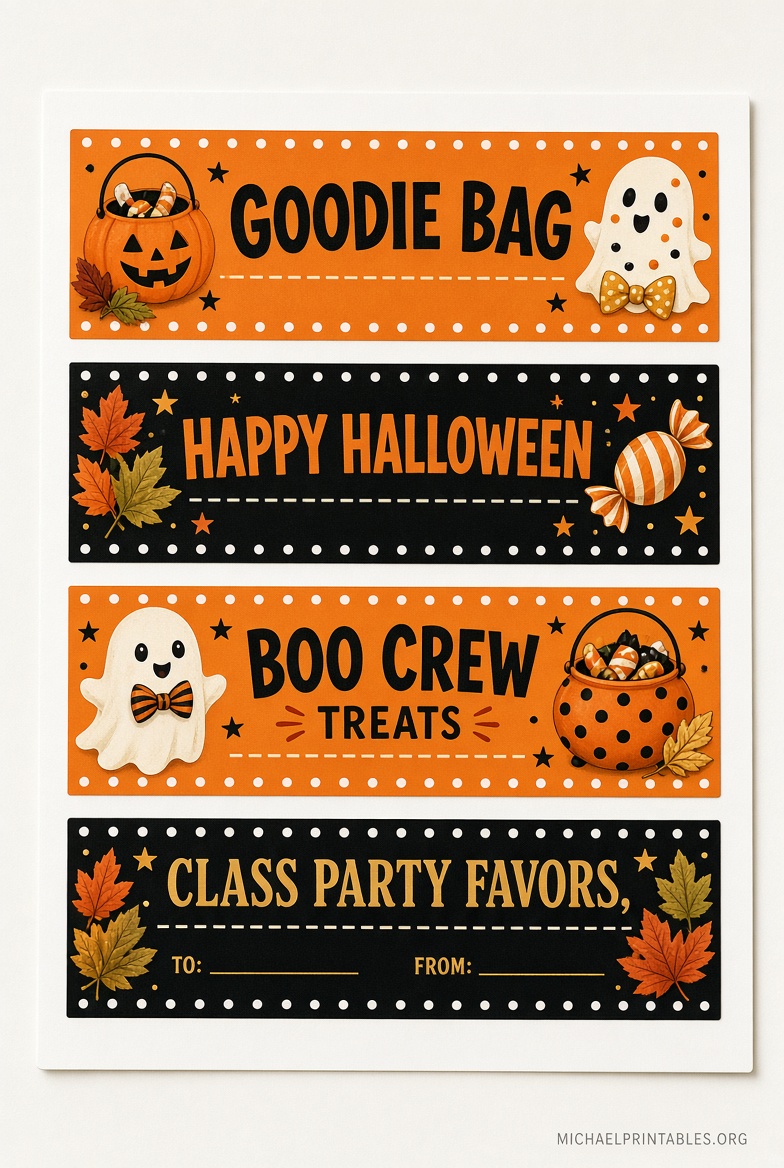
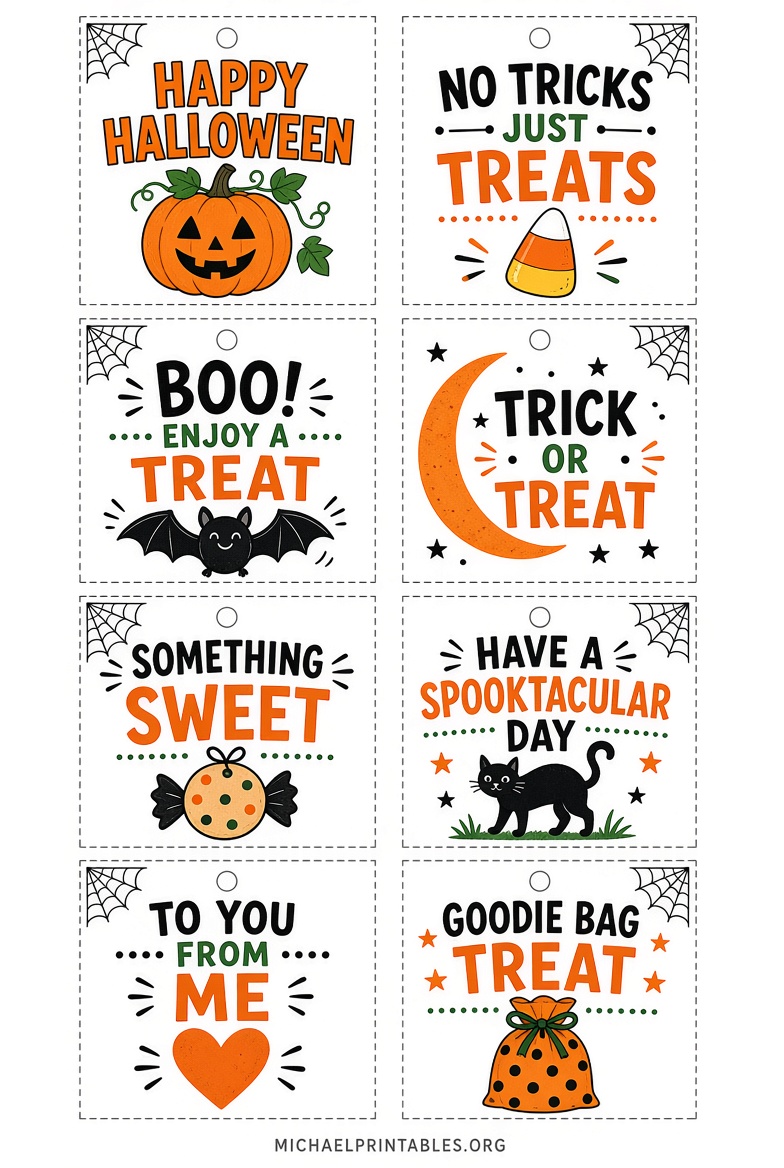
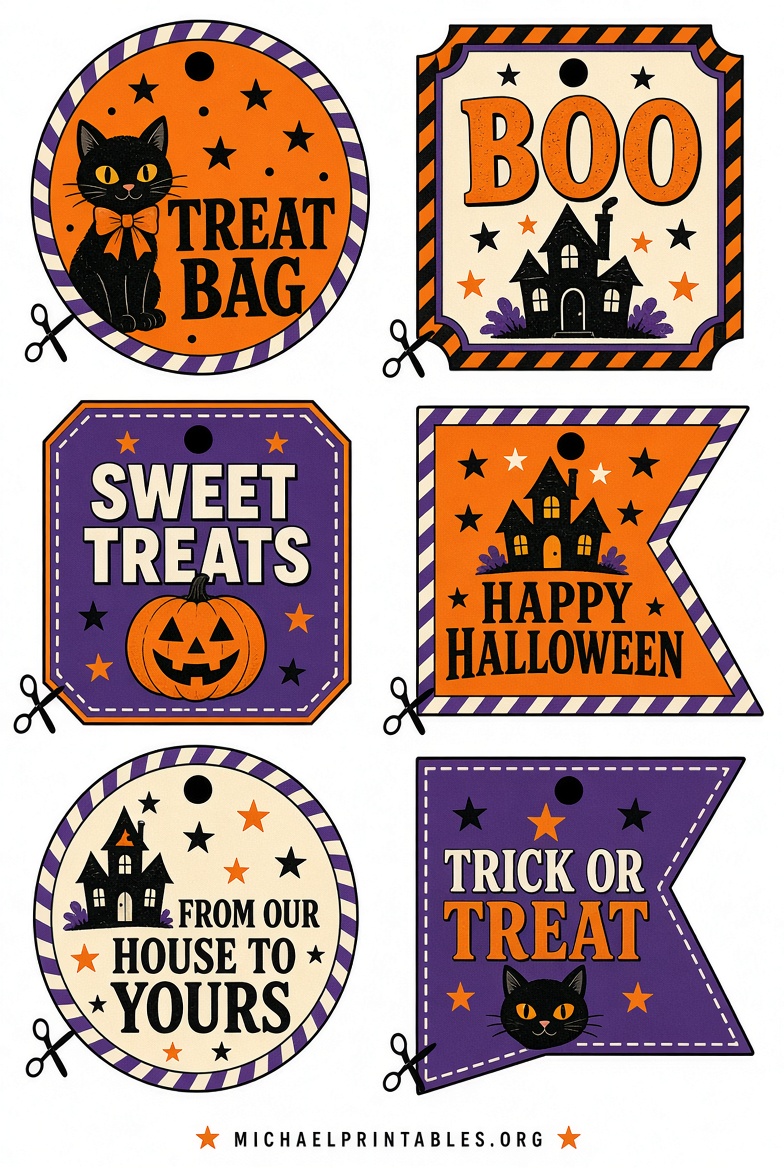
Free Printable Halloween Tags for Goodie Bags – Free printable Halloween tags for goodie bags are one of the easiest ways to make a simple bag of candy look finished. Print a sheet at home, cut the tags, and tie or tape them onto treat bags for classroom parties, neighbors, trick-or-treaters, or “You’ve Been Booed” surprises.
This page explains what these tags are, how to print them on standard U.S. letter paper, and where to download legitimate free files. Every resource linked below is a current download page or official template library—not a placeholder.
What Are Printable Halloween Goodie Bag Tags?
Printable Halloween tags are ready-made labels you download as a PDF or editable template. Most sheets fit 8.5 x 11-inch paper and include several tags per page.
You will usually see two styles:
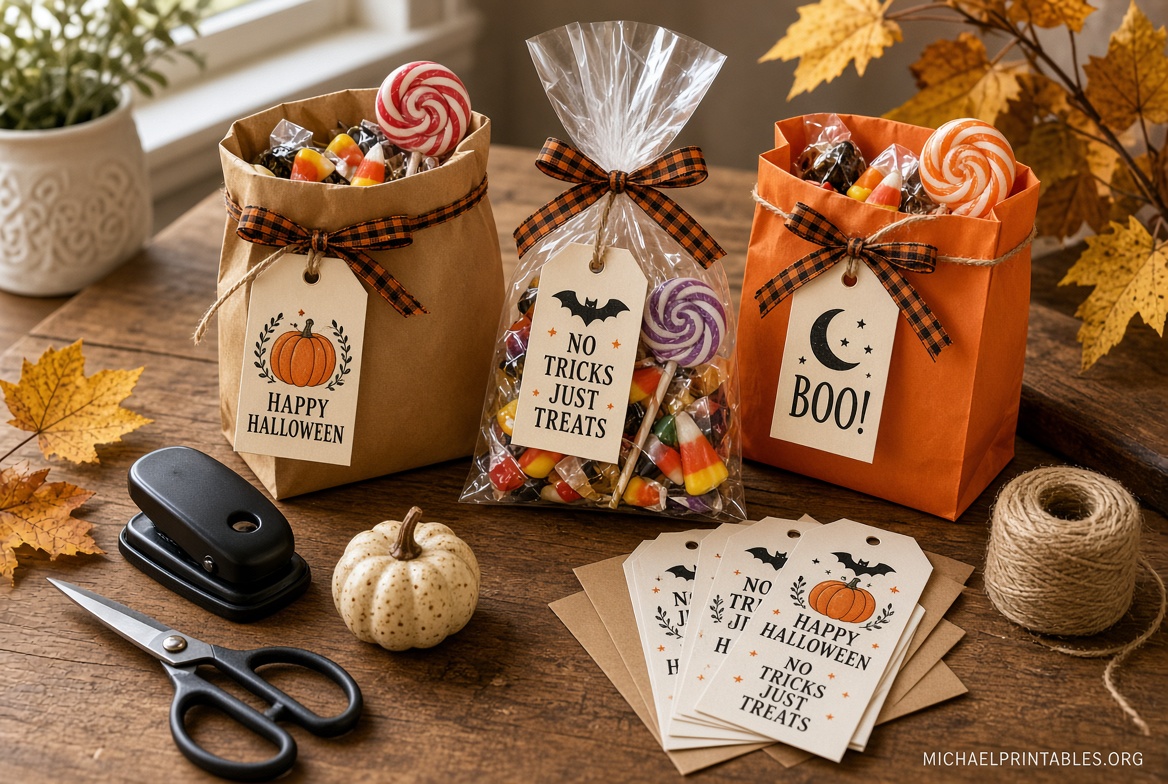
- Hang tags: Small rectangles or circles with a hole-punch mark. Tie them on with ribbon or baker’s twine.
- Bag toppers: Fold-over labels you staple or tape over the top of a snack-size bag.
Common phrases include “Happy Halloween,” “No Tricks, Just Treats,” and “Boo! Here’s a Treat for You.” Kid-friendly designs (pumpkins, bats, candy, friendly ghosts) work best for school parties. Spookier vintage art is better for older kids and adult favors.
Why Tags Make Goodie Bags Look Finished?
A plain zip-top bag of candy looks last-minute. A tagged bag looks planned.
Tags also help with:
- Classroom parties, where teachers often ask families to send labeled treats
- Neighbor “boo bags” left on porches
- Non-candy handouts such as stickers, glow sticks, pencils, or allergy-friendly snacks
- Matching a whole set of party favors without buying custom stickers
Printing at home is cheaper than store-bought hang tags, and you can reprint only what you need.
How to Print and Attach the Tags?
You do not need a craft room. A home printer and scissors are enough.
Supplies
- Color printer
- White cardstock (65–80 lb holds up better than copy paper)
- Scissors or a paper trimmer
- Hole punch
- Ribbon, twine, tape, or a stapler
- Snack-size bags, treat sacks, or small boxes
Steps
- Download the PDF or open the template.
- In your printer dialog, choose Actual Size or 100%. Do not select “Fit to Page,” or the tags will shrink.
- Print a test page on plain paper first.
- Print the final copies on cardstock.
- Cut along the outlines.
- Punch a hole at the top, then tie the tag onto the bag. For toppers, fold over the bag opening and staple.
If you do not have a printer, take the file to a U.S. office store (Staples, Office Depot, or FedEx Office) and ask for color copies on cardstock.
Free Printable Halloween Tags for Goodie Bags
Where to Get Free Printable Halloween Tags?
These five sources are established and currently offer free Halloween tag designs you can print for personal use. Some sites also sell extras; the pages below include a free option.
Ready-to-print treat tags (12 per sheet)
Skip to My Lou’s free Halloween treat tags include 12 tags on one letter-size sheet: four each of “Happy Halloween,” “No Tricks Just Treats,” and “BOO! Here’s a Treat for You.” The designs are cute rather than scary, which makes them a solid pick for kids, teachers, and neighbors.
Large mix of goodie-bag designs
Cassie Smallwood’s free printable Halloween tags include several sheets made for goodie bags, plus witch-and-cat tags, treat-bag tags, and cute character designs. Individual PDFs open from the page, so you can print only the style you need.
120+ tags in many styles
Pretty DIY Home’s Halloween tag collection has 19 design sets and more than 120 tags. You will find classroom-friendly gnomes and ghosts, candy-themed tags, and more traditional looks. Each set has its own download button. The files are for personal use.
Customizable tags if you want names or colors
If you need “To / From” lines, a class name, or colors that match your party, use Canva’s free Halloween tag templates. You can edit the text, download a PDF, and print at home. Canva also sells professionally printed tags; skip that checkout if you only want a free home print.
Official Avery Halloween tag templates
Avery’s free Halloween templates include hang-tag designs such as the “S’more boos please” tag for product 22802. Design online with Avery Design & Print, then print on Avery tag sheets or on plain cardstock. This is the best route if you already buy Avery tags and want the holes and size to line up.
Most blog printables are for personal and classroom use only. Do not resell the files or upload them to your own download site.
Easy Goodie Bag Ideas for U.S. Halloween Events
Match the tag to what is inside the bag. Keep classroom treats nut-aware if the school asks.
- Mixed fun-size candy for trick-or-treat grab bags
- Candy corn labeled as “pumpkin teeth”
- Chocolate chips as “witch warts”
- Mini marshmallows as “ghost snacks”
- Glow sticks, temporary tattoos, or pencils for non-candy houses
- Homemade cookies or popcorn in a cellophane bag for neighbors
- A small “You’ve Been Booed” kit: candy, a tag, and a note to pass the game along
Snack-size zipper bags and 4 x 6-inch treat bags from grocery or dollar stores fit most fold-over toppers.
Practical Printing Tips
Print a day ahead so ink can dry. Black-and-orange designs hide light ink better than pastel sheets.
Use a paper cutter if you are making 20 or more bags for a class. Ribbon in orange, black, or natural twine looks finished without extra cost.
Store leftover printed sheets flat in a folder. You can use the same files next October.
If colors look dull, switch the printer from “draft” to “normal” or “best,” and confirm you loaded the paper print-side correctly.
FAQ
Are these Halloween tags really free?
The five resources above include a free download or a free editable template you can print at home. Some sites also sell extra packs or printed tags. You do not have to buy those add-ons to use the free files.
What paper should I use?
White cardstock on 8.5 x 11-inch paper. Copy paper works in a pinch, but it bends on a full treat bag.
Can I use them for a classroom party?
Yes, if the license is personal use. That usually covers a class set you print yourself. It does not cover selling the tags at a PTA fundraiser.
Do I need special software?
PDF tags open in any browser or in free Adobe Reader. Canva and Avery templates open in the browser. No design skill is required for the ready-made sheets.
How many tags should I print?
Count bags first, then add two extra sheets. Classroom lists change, and a few tags get cut crooked.
Print one test sheet tonight, then batch the rest when you pack the bags. A tagged goodie bag takes about a minute once the tags are cut, and it looks like you planned the whole treat.