Free Printable Christmas Border Templates for Word – Printable free Christmas border templates for Word make it simple to add festive flair to holiday letters, invitations, certificates, worksheets, and greeting cards. These designs feature classic elements like Christmas trees, holly, candy canes, snowflakes, and ornaments. They work well for home, school, or office projects in the USA, where families and teachers often prepare seasonal stationery on standard US Letter paper.
Microsoft Word already includes built-in page border options with holiday art such as Christmas trees, holly, and poinsettias. You can access them under the Design tab by selecting Page Borders and choosing the Art dropdown. For more variety, download free printable Christmas border templates and insert them as images or backgrounds. Most are available as PDFs or JPGs sized for US Letter or A4, ready to print or edit in Word without extra software.
Best Places to Get Free Christmas Border Templates for Word
Several trusted sites offer legitimate free downloads of printable Christmas borders suitable for Microsoft Word. These resources provide direct access to designs you can use for personal holiday projects.
Start with official Microsoft options. Search for Christmas templates directly inside Word via File > New, or browse the free holiday collection at Microsoft Create Christmas templates. These include customizable cards, newsletters, and related designs that pair well with borders.
PrintableTemplates hosts a large set of free Christmas borders and frames designed for Word. You can download individual files without signup at PrintableTemplates Christmas Borders and Frames. The collection covers borders, frames, and clipart suitable for certificates, letters, and invitations.
For ready-to-print border paper, The Pink Craft Box offers free Christmas border templates in PDF and JPG formats. No email is required, and designs come in lined and unlined versions for easy writing or printing. Visit The Pink Craft Box Christmas Border Paper and download the ones you need. JPG versions insert easily into Word.
Mom in Pajamas provides 40 free printable Christmas page borders as individual PDFs. Themes include trees, candy canes, snowmen, and nativity scenes. Access them at Mom in Pajamas Free Christmas Borders. Click any design to open and download the PDF.
For classic free clipart borders, FG-A offers an extensive collection of Christmas borders and frames. These images work for personal and educational print use and can be saved then inserted into Word. Find them at FG-A Free Christmas Borders.
Always check each site’s terms. Most restrict free downloads to personal use only and prohibit resale or commercial redistribution.
Free Printable Christmas Border Templates for Word
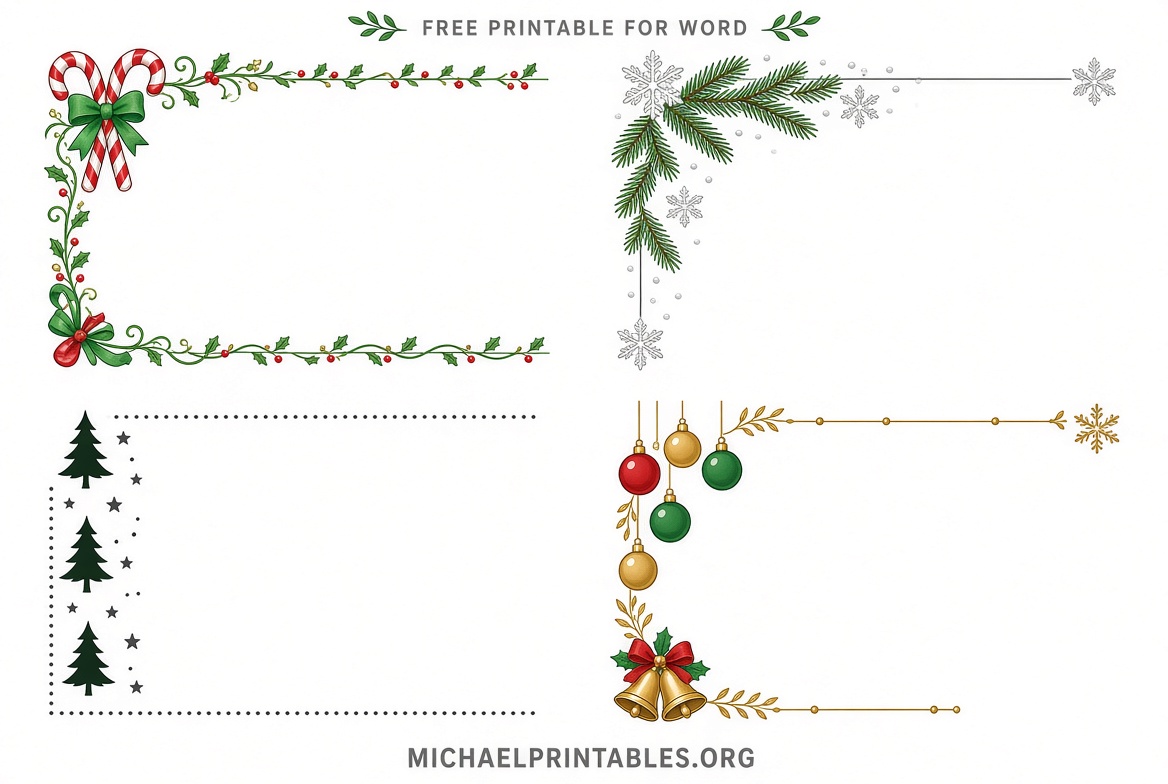
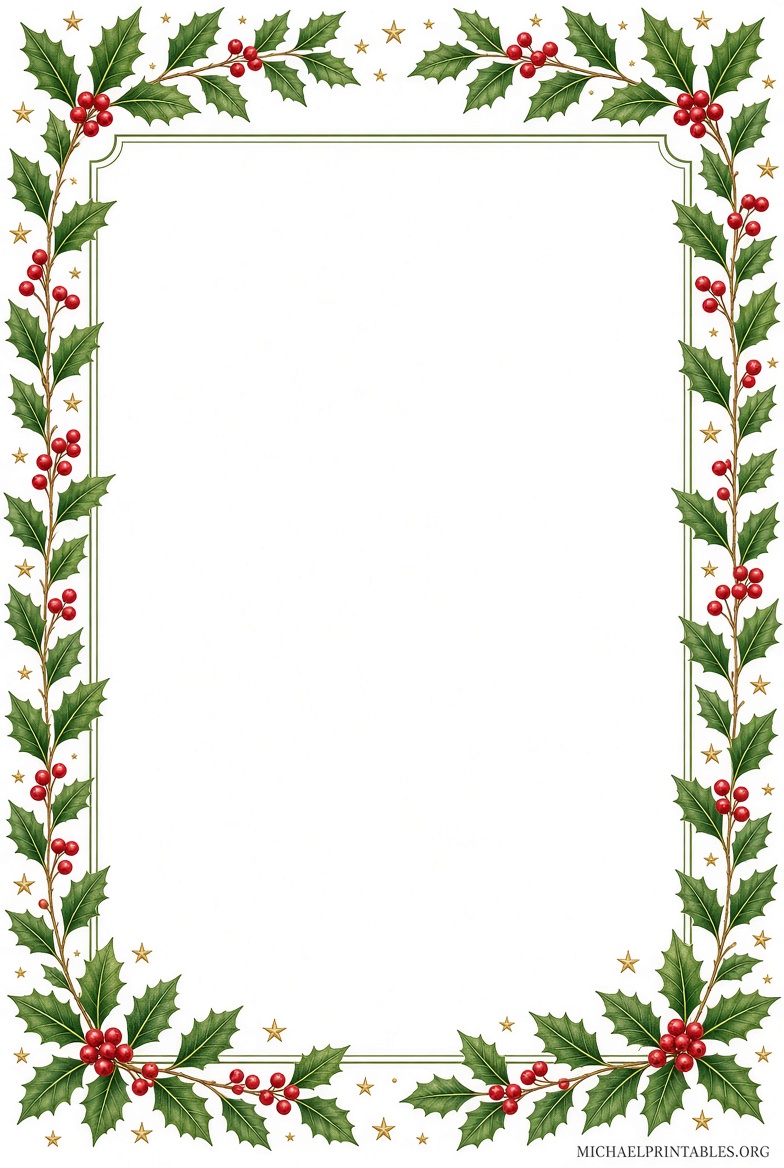
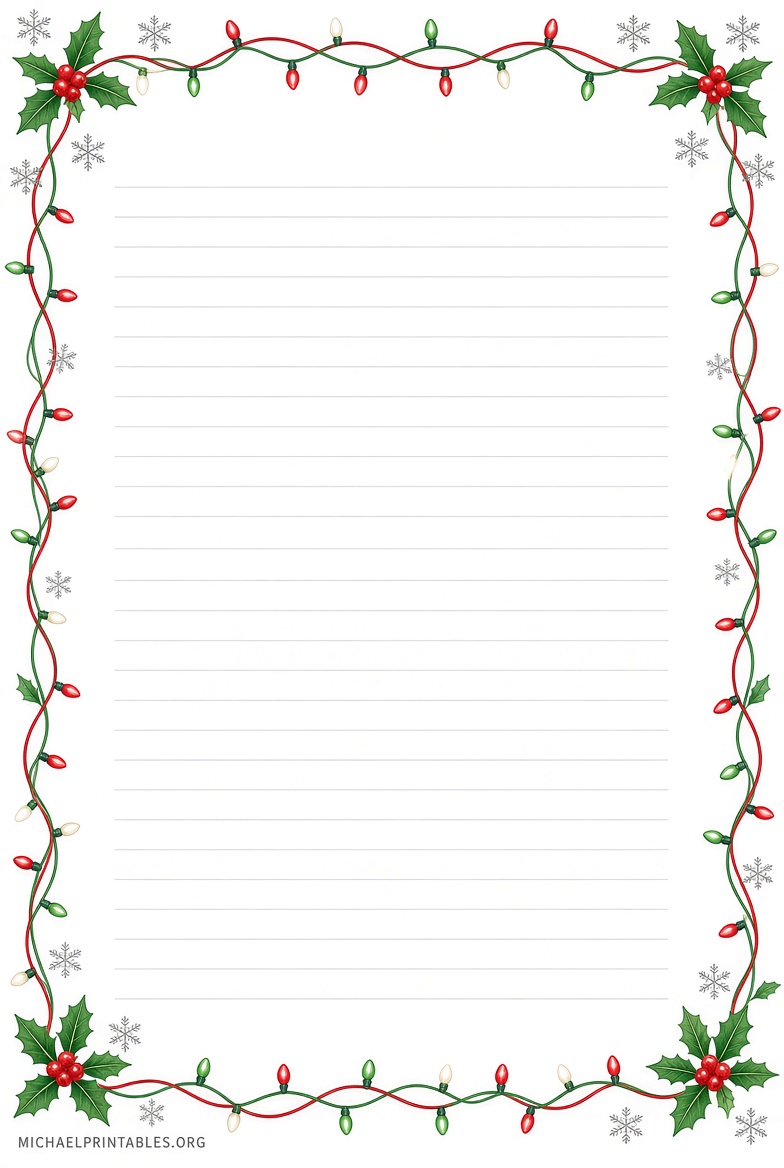
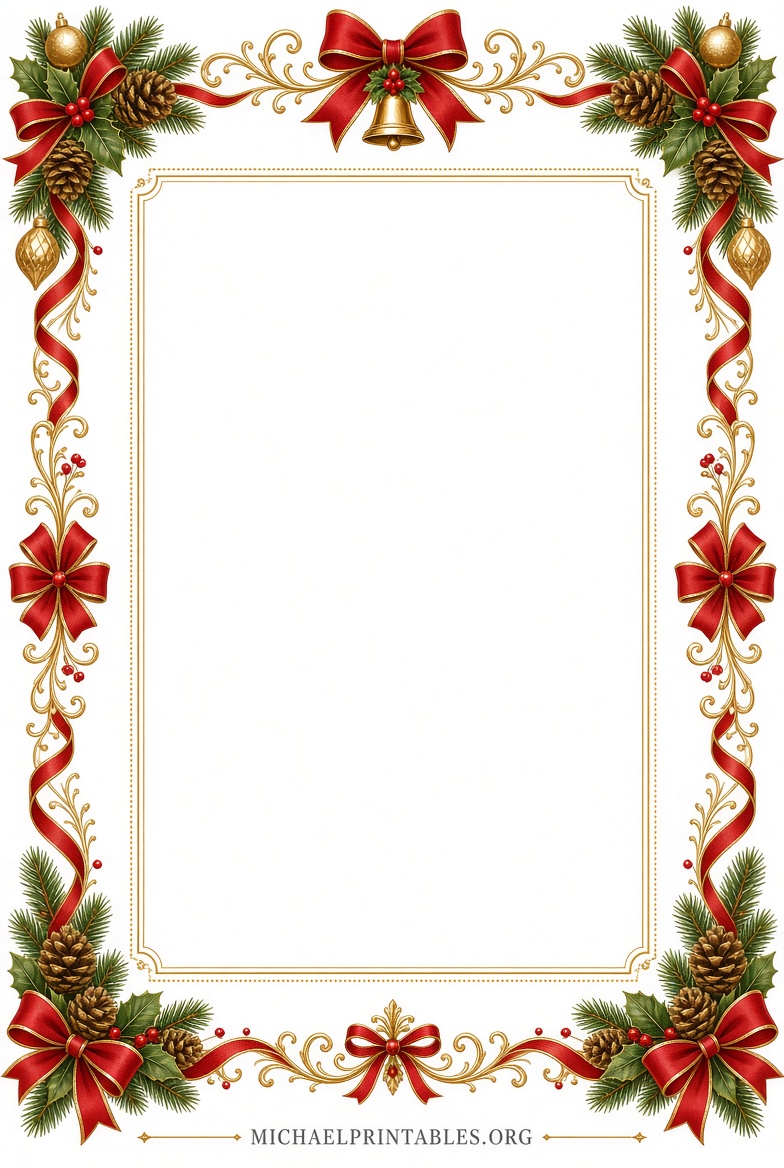
How to Use Free Christmas Borders in Microsoft Word?
Download your chosen border as a JPG, PNG, or PDF. For image files, open a new Word document set to US Letter size (Layout tab > Size). Go to Insert > Pictures, select the file, and set text wrapping to Behind Text so your content sits on top. Resize the image to fit the page margins.
For PDF borders, you can print them first on cardstock, then feed the paper back through your printer for the main document. Alternatively, convert the PDF to an image or use Word’s built-in page border art for a quick festive frame.
Adjust margins to at least 0.75–1 inch so text stays clear of the design. Preview before printing to confirm colors and alignment on your home printer. High-quality paper or cardstock gives the best results for cards and letters.
Practical Tips for Holiday Projects
These free printable Christmas border templates for Word suit letters to Santa, classroom worksheets, party invitations, and family newsletters. Choose white-background designs to save ink. Black-and-white versions work well if you want to color them by hand.
Test print one page first. US Letter is the standard size for most American home printers. For certificates or cards, consider landscape orientation. Save a master copy of your bordered document so you can reuse the layout next year.
Combine borders with Word’s free Christmas templates for complete projects. Add your own text, photos, or clipart for a personal touch. Keep designs simple so the border enhances rather than overwhelms the message.
Frequently Asked Questions
Are these Christmas border templates really free?
Yes. The resources listed provide free downloads with no payment required. Some sites limit use to personal projects only.
Can I edit the borders in Word?
Image-based borders (JPG/PNG) can be resized and positioned in Word. Fully editable .docx templates are less common; most free options are printables or images you insert yourself.
What paper size should I use?
US Letter (8.5 × 11 inches) is ideal for USA audiences. Many free designs also support A4.
Do I need special software?
No. Microsoft Word is sufficient. PDF readers handle direct printing of border papers.
Free printable Christmas border templates for Word give families, teachers, and small businesses an easy way to create festive documents. Download from the trusted sources above, customize in Word, and print for the holidays.