Free Printable Vending Machine Label Template – Looking for a free printable vending machine label template? You can create professional product labels, flavor strips, and price tags for your soda or snack machines without paying for custom designs. These free resources help U.S. operators and hobbyists update machines quickly using standard printer paper or cardstock.
Vending machine labels (also called flavor strips or vend labels) identify the product in each selection, show pricing, and often include calorie information. They improve customer experience, reduce confusion, and can boost sales of popular brands like Coca-Cola, Pepsi, and 7UP.
Why Free Printable Vending Machine Labels Matter?
Clear labels help customers choose faster and build trust with location owners. For refrigerated machines, durable labels resist condensation. Many free templates let you adjust pricing and text so the final result matches your current offerings.
You do not always need expensive pre-printed packs. Free online tools and downloadable layouts give you a starting point you can customize and print at home or at a local shop like Staples or Office Depot.
Where to Get Legitimate Free Printable Vending Machine Label Templates?
These sources provide free access to templates or design tools. Always download directly from the official page and verify the layout matches your machine’s slot size before printing in bulk.
The Vend Label Studio offers free, editable templates for popular beverages. You can adjust text and pricing, preview the result, and download a PNG file ready for printing.
- Free Coca-Cola vending machine label template — Classic red-and-white design with live preview and instant PNG download.
- Free Pepsi vending machine label template — Editable layout for the blue-and-red branding.
- Free 7UP vending machine label template — Lemon-lime style ready for customization.
For custom or blank labels that fit Avery sheets, use the free Avery Design & Print tool. Create an account (no cost), select a template that matches your label size (common options include 2″ × 4″ or smaller price-tag formats), add product names and prices, then print on blank Avery label paper available at most U.S. office-supply stores.
Avery Design & Print Online supports hundreds of free templates sized for standard U.S. Letter sheets.
Additional free soda machine label PDFs are collected on Printablee. The page lists multiple Coke, Pepsi, and general soda flavor-strip layouts you can download and print.
Soda machine labels – 10 free PDF printables
Free Printable Vending Machine Label Template
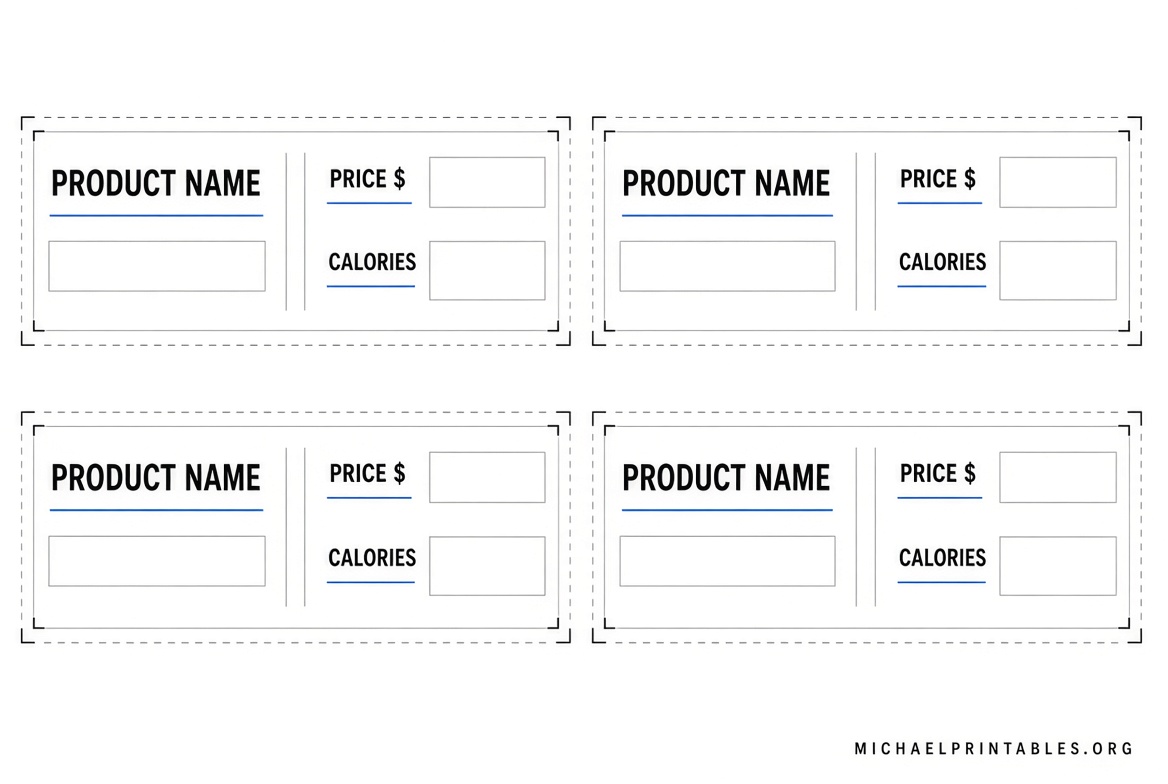
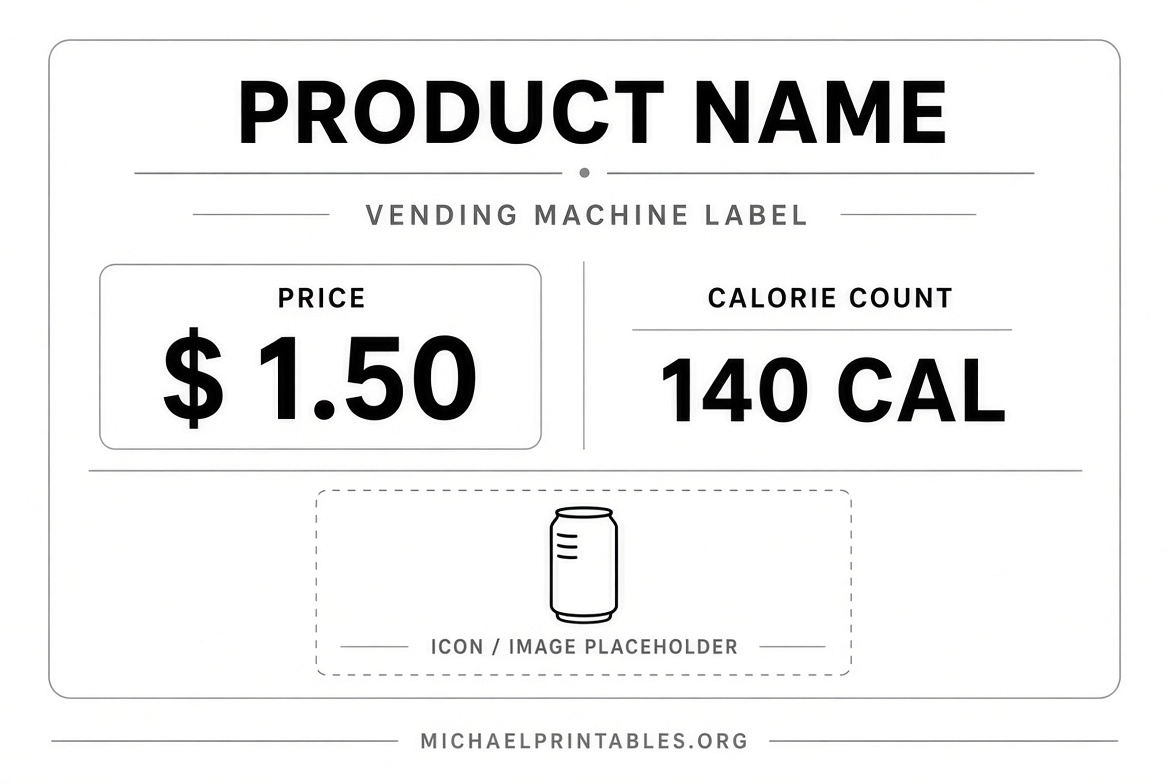
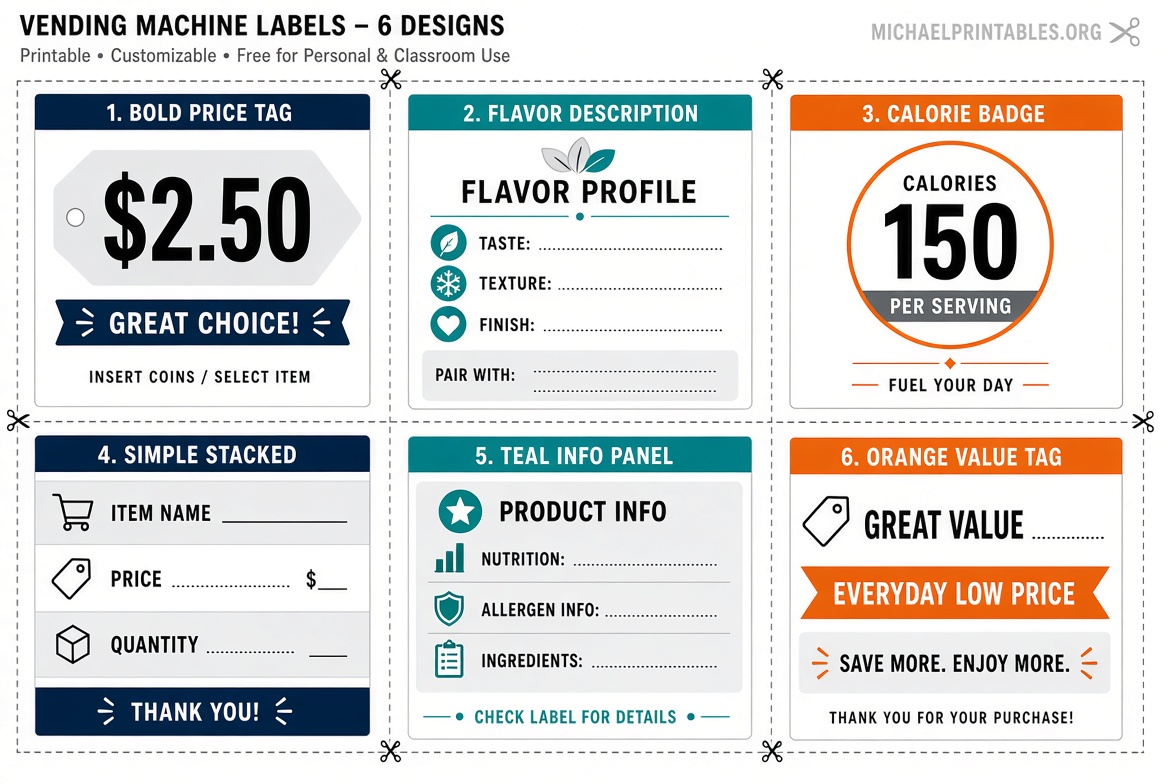
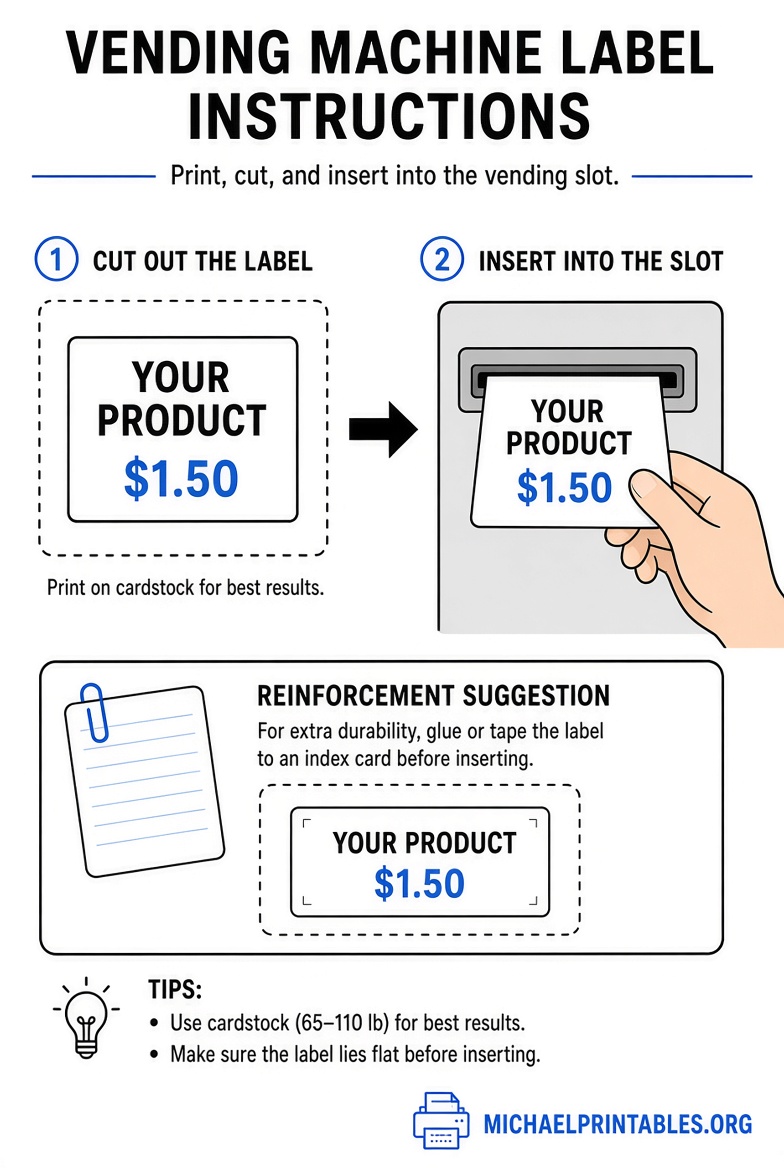
How to Print and Install Free Vending Machine Labels?
- Download or create your label in the tool of your choice.
- Print on regular 8.5″ × 11″ paper for a quick test, or use heavyweight glossy cardstock for longer life.
- Cut carefully with a paper trimmer or scissors.
- For extra rigidity that slides into plastic slots, glue the printout onto a blank index card and trim the edges.
- For outdoor or high-condensation machines, take the file to a print shop and request vinyl or laminated cardstock.
Some manufacturers (candy and snack brands in particular) will send free labels if you contact them as a bulk vendor. This is a useful supplement when you need exact brand graphics.
Tips for Best Results with Free Printable Labels
- Measure your machine’s label slots first. Common sizes for drink machines are roughly 1¾” × 3½” or similar; snack machines vary.
- Include current pricing and, where practical, calorie counts to stay consistent with customer expectations.
- Use high-contrast text so labels remain readable from a distance.
- Replace faded labels promptly—professional appearance encourages sales and satisfies location managers.
- Test one label before printing a full set.
FAQ
Are these free printable vending machine label templates really free?
Yes. The Vend Label Studio pages allow free customization and PNG download. Avery’s design tool is free to use (you supply the blank label paper). The Printablee collection is offered as free PDF downloads.
What paper should I use?
Standard printer paper works for testing. For daily use, choose heavyweight cardstock, glossy photo paper, or laminated/vinyl material available at U.S. office-supply stores.
Do I need special software?
No. The recommended tools run in your web browser. Avery requires a free account only if you want to save projects.
Can I use these for both drink and snack machines?
The branded templates above are designed for beverage flavor strips. For snacks or custom price tags, the Avery tool or blank index-card method works well.
Are labels required by law?
For most small operators they are not strictly required, but clear labeling improves sales and reduces customer complaints. Larger operators should check current FDA calorie-disclosure rules for vending.
Using a free printable vending machine label template is one of the fastest, lowest-cost ways to keep your machines looking professional and easy for customers to use. Start with the free Coca-Cola, Pepsi, or 7UP templates above, or build your own with Avery’s free design tool.