Free Printable Disneyland Ticket Template – A free printable Disneyland ticket template is a paper keepsake you design and print at home. Families in the U.S. use these sheets for a surprise trip reveal, a birthday invitation, pretend play, or a scrapbook page. They are not park admission.
Disneyland Resort in Anaheim sells real tickets. A homemade ticket will not scan at the turnstile. Use a template only as a gift or party piece, and buy admission on the official site if you are actually going.
What a Free Ticket Template Is (and Is Not)?
Searchers usually want one of two things: a fun printable that looks like a ticket, or a way to print a ticket they already paid for.
A legitimate free template is an editable design. You add a name, date, and short message, then print it on cardstock. It works for:
- A surprise Disneyland trip reveal
- A Disneyland-themed birthday invitation
- Pretend-play tickets for a home movie night
- A countdown card or scrapbook insert
It does not include a real barcode, a valid ticket ID, or entry to Disneyland Park or Disney California Adventure Park. Do not copy official logos, security patterns, or barcodes. Gate staff can tell a souvenir from an eTicket, and a fake admission ticket can cause problems at the entrance.
Free Printable Disneyland Ticket Template
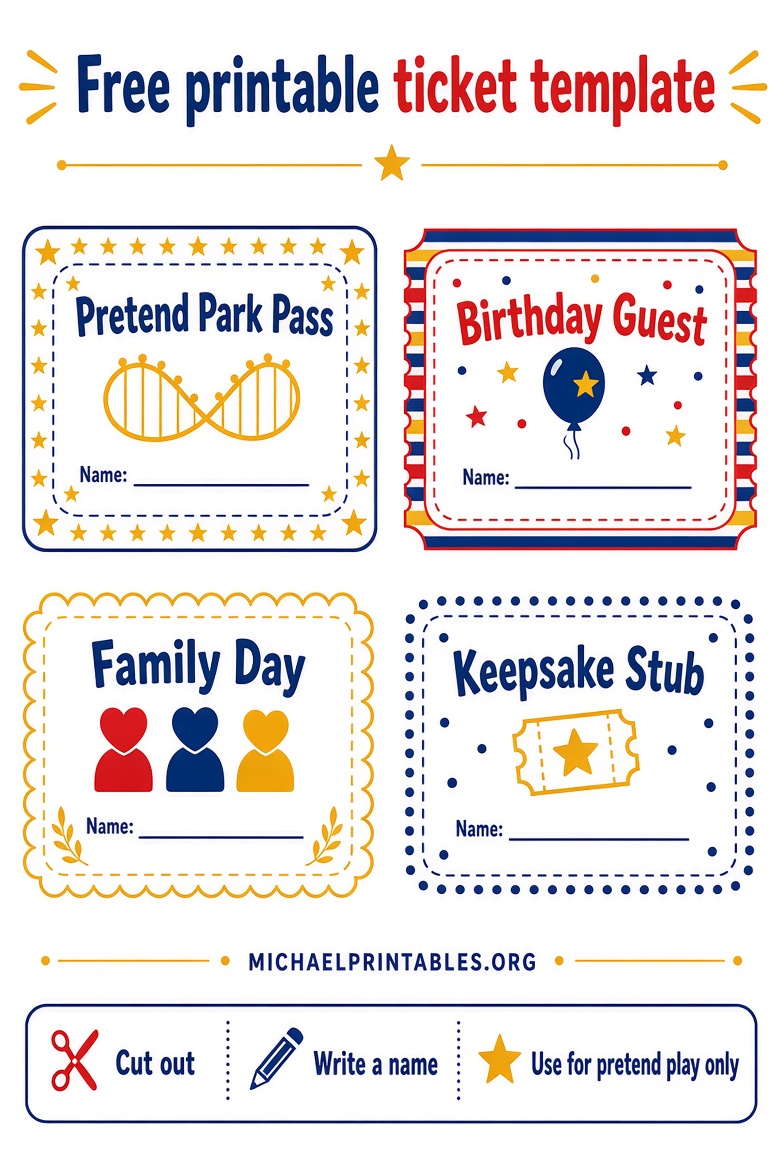
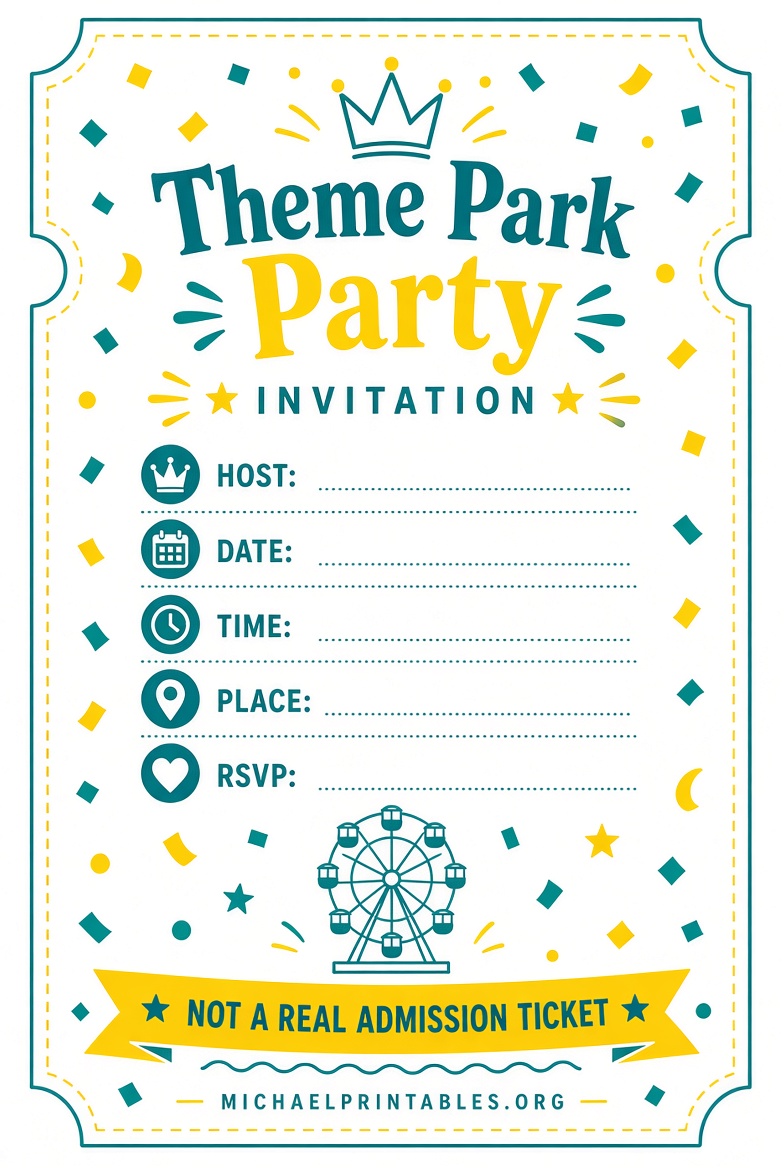
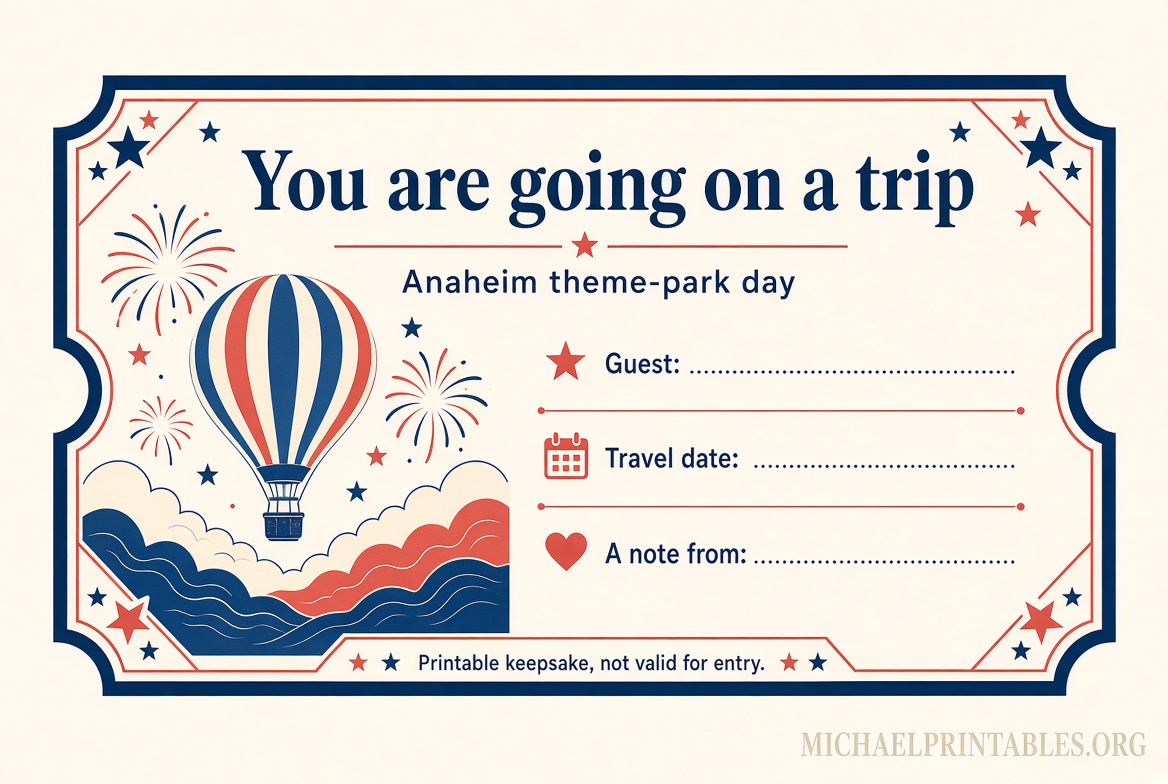
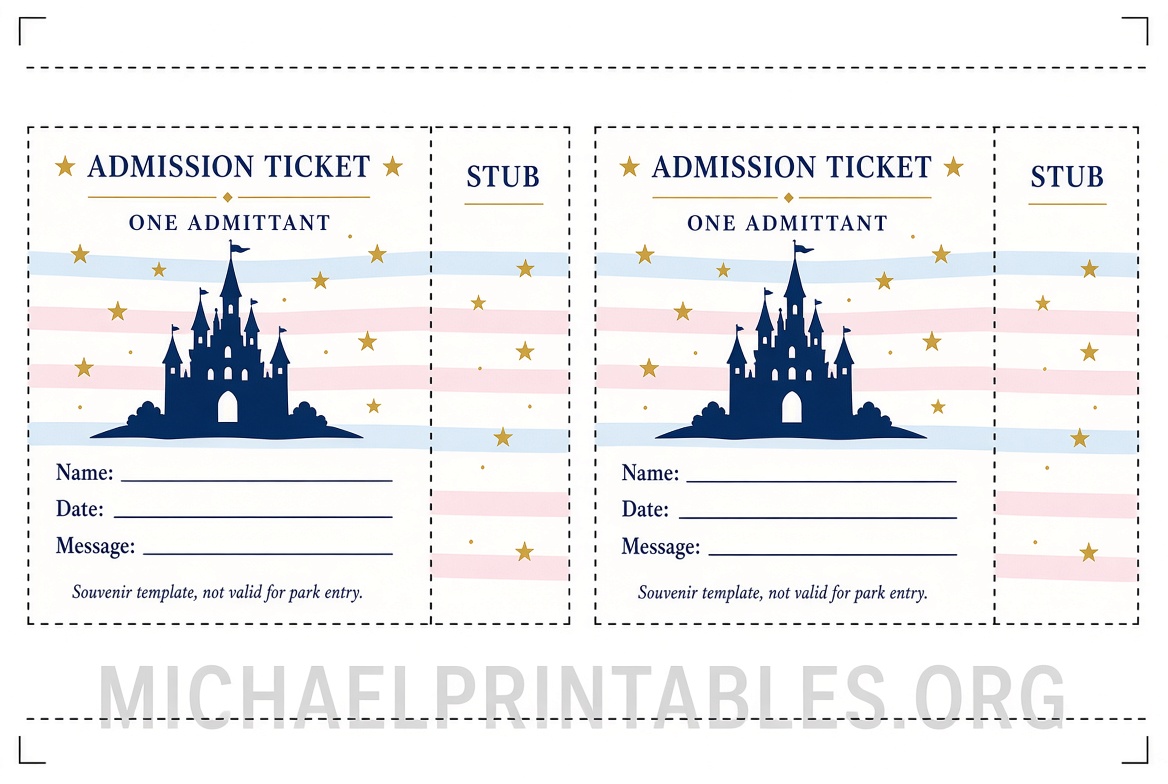
Where to Get a Legitimate Free Printable?
These pages offer a real download or an editable file at no charge. They are unofficial fan or designer resources, not Disney products.
Surprise-trip tickets (Disneyland, Disney World, and Disney on Ice). Just Simply Mom publishes a free editable set with boy and girl layouts and a Disneyland version. You enter a name and email, open the design in Canva (free account), edit the name, date, place, and message, then download and print. Start on the download page: free printable surprise Disney tickets.
Google Docs ticket layout. Docs and Slides offers a free Disneyland ticket template in Google Docs and Microsoft Word. It is meant for invitations, party planning, and novelty projects. Open the file, choose File, then Make a copy, and edit the text. The license is free for personal and business use if you keep the requested attribution. Get it here: free Disneyland ticket template for Google Docs.
Build your own party ticket. Canva’s free ticket templates are blank event tickets you can recolor and label for a Disneyland-themed party. They are not branded park tickets, which makes them a safer invitation style. Browse them at Canva’s free ticket templates.
Paid Etsy files are common for this search. Skip those if you only want a free printable. Many are fine as surprise-reveal gifts, but they are not free and still are not valid admission.
How to Print the Template at Home?
- Open the Canva or Google Docs file and make your own copy.
- Replace the sample name, date, and message. Add “Souvenir” or “Invitation — not valid for entry” so nobody mistakes it for a real ticket.
- Download a PDF. In Canva, choose PDF Print. In Google Docs, use File, then Download.
- Print on matte cardstock, letter size. Cardstock feels more like a keepsake than copy paper.
- Cut along the crop marks. Most designs fit two tickets on one sheet.
- Optional: round the corners with a corner punch, or slip the ticket into a small envelope for the reveal.
Check the print preview before you run a full set. Some templates are sized in inches and will shrink if “fit to page” is left on.
How to Print a Real Disneyland eTicket?
Real tickets are paid. One-day prices change by date, so check the calendar on the official tickets page before you buy: Disneyland Resort tickets. Children age 2 and under receive free admission. Everyone age 3 and older needs a ticket.
After you buy, Disney emails an eTicket as a PDF. You can show the barcode on your phone. Printing is optional.
- Search your inbox for “Disneyland Confirmation.”
- Open the message and use “Access Your eTickets.”
- Print the PDF or save a screenshot as a backup.
- You can also link the ticket number in the Disneyland app under My Tickets & Passes.
planDisney walks through that email path here: how to find and print paid Disneyland eTickets. If the email never arrives, call Disneyland Resort at (714) 781-4636 or visit a box office with the purchase card, a photo ID, and your confirmation.
Park reservations, when required for your ticket, are tied to the ticket in your account. You do not print a separate reservation ticket.
Quick Uses for a Printable Ticket Template
Trip reveal. Hand the souvenir ticket over at breakfast or tuck it into a birthday card. Pair it with mouse ears so the surprise is obvious.
Party invitation. List your home address, start time, and “costume optional.” A blank Canva ticket avoids looking like a gate pass.
Pretend play. Print a few copies for a living-room “park day.” Kids can stamp them with a star sticker at a homemade entrance.
Keepsake. After the real trip, write the rides you loved on the back of the souvenir ticket and store it with photos. Do not glue it over your real eTicket, which you may need for a return visit or a receipt.
FAQ
Is there a free printable Disneyland ticket that gets you in? No. Admission is sold by Disney. A free template is only a gift, invitation, or craft.
Where can I download a free Disneyland ticket template? Use the Just Simply Mom Canva set for a Disneyland surprise ticket, or the Docs and Slides Google Docs file for an editable invitation layout. Canva also has free blank ticket templates.
Can I print my real tickets? Yes, after you buy them. Open the confirmation email, choose Access Your eTickets, and print the PDF. The Disneyland app barcode works at the gate without paper.
Are these templates official Disney printables? No. Disney does not give away admission templates. Treat third-party files as unofficial keepsakes and follow each site’s personal-use or attribution rules.
What should I write on the template? Name, trip or party date, and a short note. Add “Not valid for park entry” so the sheet cannot be confused with an eTicket.